

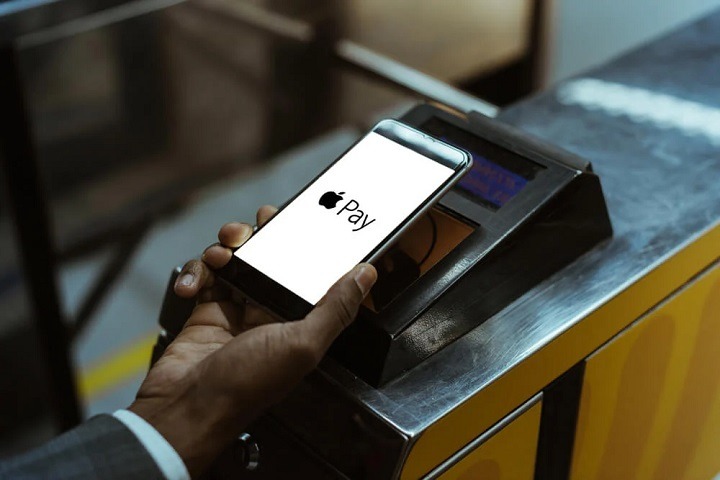
In the fast-paced world of modern convenience, digital payment methods have become increasingly prevalent, offering consumers a seamless and efficient way to complete transactions. Among these methods, Apple Pay has emerged as a popular choice, allowing users to make purchases quickly and securely using their compatible Apple devices. But for those who frequent Wawa, a beloved convenience store chain known for its wide array of food, beverages, and fuel options, the question remains: Does Wawa accept Apple Pay? In this comprehensive guide, we’ll delve into the world of digital payments and explore whether Wawa accepts Apple Pay, as well as alternative payment options available to Wawa customers.
Understanding Apple Pay: A Brief Overview
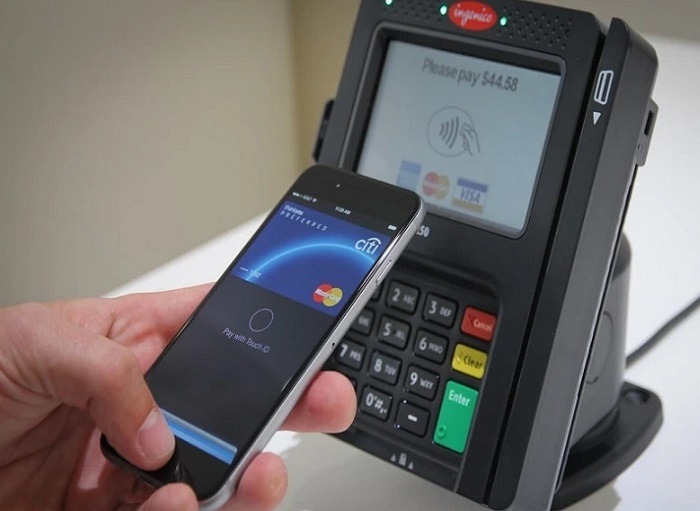
Before we address whether Wawa accepts Apple Pay, let’s first understand what Apple Pay is and how it works. Apple Pay is a mobile payment and digital wallet service developed by Apple Inc. that allows users to make purchases using their compatible Apple devices, such as iPhone, Apple Watch, iPad, and Mac. By securely storing credit, debit, and prepaid card information in the Wallet app, users can complete transactions quickly and securely in stores, online, and within apps.
Apple Pay utilizes Near Field Communication (NFC) technology to transmit payment information wirelessly to compatible point-of-sale (POS) terminals. To make a purchase using Apple Pay, users simply hold their device near the contactless reader at the checkout counter and authenticate the transaction using Touch ID, Face ID, or a passcode. This frictionless payment process offers convenience and peace of mind to millions of Apple users worldwide.
Does Wawa Accept Apple Pay?
Now, let’s address the pressing question: Does Wawa accept Apple Pay? The answer is yes! Wawa does indeed accept Apple Pay at its checkout counters, allowing customers to make purchases using their iPhone, Apple Watch, or other compatible Apple devices. This means that Wawa shoppers can enjoy the convenience and security of Apple Pay while stocking up on their favorite snacks, beverages, and fuel at Wawa locations.
How to Use Apple Pay at Wawa
Using Apple Pay at Wawa is straightforward and hassle-free. Here’s a step-by-step guide:
- Ensure Compatibility: Before attempting to use Apple Pay at Wawa, ensure that your Apple device is compatible with the service. Apple Pay is supported on iPhone 6 and later models, Apple Watch Series 1 and later models, and newer iPad and Mac models.
- Add Payment Cards to Wallet: Open the Wallet app on your iPhone or iPad and follow the prompts to add your credit, debit, or prepaid cards to your digital wallet. Alternatively, go to Settings > Wallet & Apple Pay and tap “Add Card.” For Apple Watch, open the Apple Watch app on your iPhone, navigate to the My Watch tab, and select Wallet & Apple Pay to add cards.
- Initiate Payment: When ready to pay at the checkout counter, hold your Apple device near the contactless reader and authenticate the transaction using Touch ID, Face ID, or a passcode. Wait for the transaction to process, and you’re done!
Benefits of Using Apple Pay at Wawa
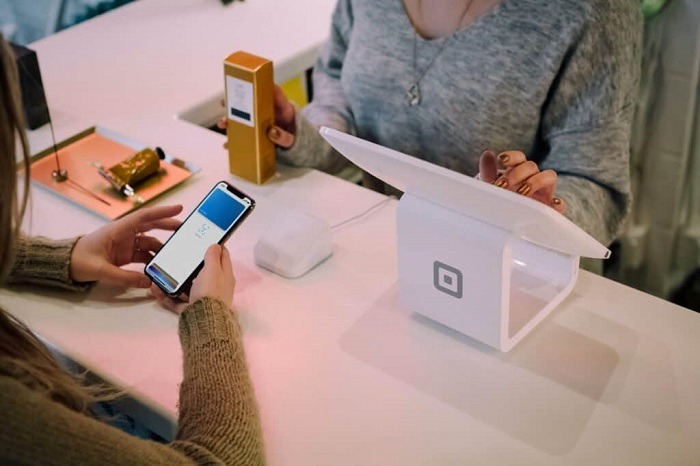
Using Apple Pay at Wawa offers several advantages for customers:
- Convenience: Apple Pay eliminates the need to carry physical wallets or search for cash or cards at checkout. With just a tap or glance of their device, customers can complete transactions swiftly and efficiently.
- Security: Apple Pay employs advanced security features, including tokenization and biometric authentication, to safeguard payment information. Card details are never shared with merchants, reducing the risk of fraud or unauthorized transactions.
- Speed: Apple Pay transactions are quick and seamless, allowing customers to breeze through the checkout process with minimal delay. With a simple tap or glance, payments are processed instantly, enhancing the overall shopping experience.
- Accessibility: Apple Pay is widely accepted at numerous retailers, including Wawa, making it a convenient payment option for a variety of purchases. Whether grabbing a quick snack, filling up on fuel, or purchasing groceries, customers can utilize Apple Pay for their transactions.
Alternative Payment Methods at Wawa
In addition to Apple Pay, Wawa offers various payment options to accommodate customers’ preferences:
- Credit and Debit Cards: Wawa accepts major credit and debit cards, including Visa, Mastercard, American Express, and Discover. Customers can swipe, insert, or tap their cards at the checkout counter to complete transactions.
- Cash: For customers who prefer to pay with cash, Wawa accepts cash payments at all store locations. Customers can tender cash to the cashier, who will process the transaction accordingly.
- Wawa Gift Cards: Wawa offers gift cards that can be purchased and redeemed in-store or online. Customers can present their gift cards at the checkout counter to apply them towards their purchases.
Related Post:
The Secret to High Ticket Dropshipping: How to Find and Sell Premium Products
Unleash the Power of Connectivity: Exploring T-Mobile’s Apple Watch Plan
Mastering Personalization: A Step-by-Step Guide to Changing Your Apple Watch Wallpaper
Dive In: Exploring the Possibility of Swimming with Your Apple Watch
Wawa does accept Apple Pay at its checkout counters, allowing customers to enjoy the convenience, security, and efficiency of this popular digital payment method. With just a tap or glance of their Apple device, Wawa shoppers can streamline their shopping experience and make purchases effortlessly.
Whether grabbing a quick bite, refueling on the go, or stocking up on essentials, Apple Pay offers a seamless and secure way to complete transactions at Wawa. So, the next time you visit your local Wawa store, consider utilizing Apple Pay to simplify your checkout process and embrace the future of digital payments. With Apple Pay at Wawa, convenience is just a tap away.