

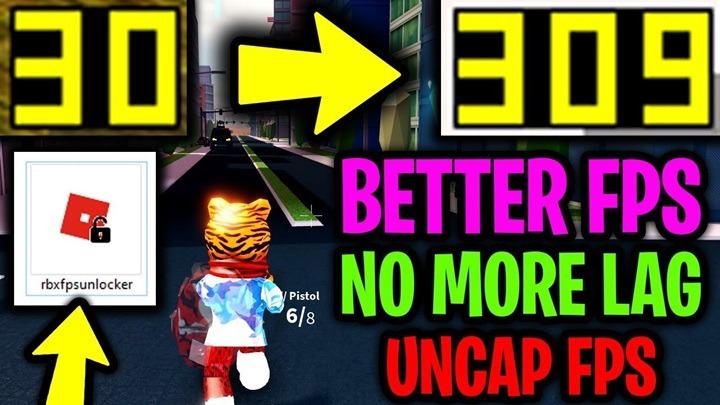
If you’ve ever played Roblox, you know how important performance is to ensure smooth gameplay. One of the ways to improve your experience is by using the Roblox FPS Unlocker, a tool designed to enhance frame rates and reduce lag. This tool helps players achieve smoother gameplay by unlocking the frame rate limit imposed by Roblox, which by default restricts FPS to 60. In this article, we’ll explore the features, benefits, and potential drawbacks of using Roblox FPS Unlocker, as well as some common questions players may have.
What is Roblox FPS Unlocker?
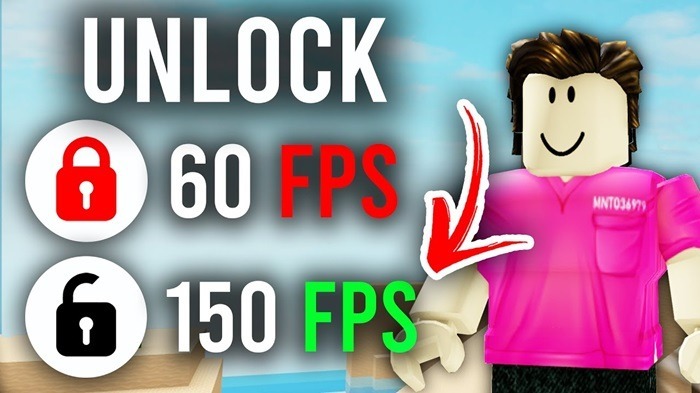
The Roblox FPS Unlocker is a third-party tool that helps users unlock the frame rate cap in Roblox games. Roblox’s default settings limit the frame rate to 60 FPS (frames per second), which can cause stuttering or frame drops, especially on higher-end systems. By using the FPS Unlocker, you can unlock the frame rate to allow for higher FPS, resulting in smoother visuals and better overall gaming performance.
Key Features of Roblox FPS Unlocker
- Higher Frame Rate: The primary feature of this tool is the ability to remove the 60 FPS cap imposed by Roblox. This allows your game to run at a higher frame rate, depending on your system’s capabilities.
- Improved Visuals: With the FPS cap removed, graphics become more fluid and detailed. This improves visual quality, making the game look better, especially in fast-paced environments.
- Reduced Input Lag: Unlocking FPS can also reduce input lag, providing quicker responsiveness in gameplay. This is especially beneficial in competitive games where every millisecond counts.
- Better Performance on High-End Systems: For users with high-performance PCs, the FPS Unlocker enables the system to utilize its full potential. The tool can help leverage the GPU (Graphics Processing Unit) and CPU (Central Processing Unit) more efficiently, reducing frame drops and increasing stability.
How Does Roblox FPS Unlocker Work?
The Roblox FPS Unlocker works by overriding Roblox’s internal frame rate settings. Roblox has a built-in 60 FPS cap to ensure the game runs smoothly on a variety of devices, including low-end PCs and laptops. However, this cap can be limiting for users with more powerful hardware.
When you install and run the FPS Unlocker, it unlocks this cap and allows the game to run at higher frame rates. The tool modifies Roblox’s settings without affecting the game’s functionality, meaning that players can enjoy smoother gameplay without any disruptions.
Performance Boost
By removing the FPS cap, you can enjoy a smoother, more fluid gaming experience. Roblox, being a game with user-generated content, can have varying frame rates depending on the complexity of the game. With the FPS Unlocker, you can minimize stuttering and lag caused by frame rate limitations.
Compatibility with Various Devices
Although the FPS Unlocker is primarily aimed at users with high-end gaming PCs, it is compatible with various devices. Users with lower-end systems can still benefit from it, but the degree of improvement may vary. The FPS Unlocker is designed to work with both Windows and macOS versions of Roblox.
Why Should You Use Roblox FPS Unlocker?
Here are some key reasons why players should consider using Roblox FPS Unlocker:
1. Smoother Gameplay
With a higher frame rate, you experience smoother animations, less stutter, and faster loading times. For users who are experiencing lag or visual inconsistencies, this tool is a must-try.
2. Competitive Advantage
For competitive Roblox games, such as Arsenal or Tower of Hell, having a higher FPS can improve your reaction time. With less input lag and faster frames, you have an edge over players who are limited by the 60 FPS cap.
3. Improved Graphics
A higher FPS unlock means better graphics performance. You’ll notice sharper details, more fluid character movements, and smoother transitions between scenes, especially on high-end PCs.
4. No Impact on Gameplay Stability
While the FPS Unlocker unlocks the frame rate, it does not affect the stability of the game. It only enhances the visual experience, ensuring no significant issues arise during your gaming sessions.
How to Install Roblox FPS Unlocker?
Installing Roblox FPS Unlocker is a straightforward process. Here’s a step-by-step guide to get you started:
- Download the FPS Unlocker: Visit the official Roblox FPS Unlocker website and download the latest version of the tool.
- Extract the Files: After downloading the ZIP file, extract it to a folder on your PC.
- Run the Application: Open the folder and double-click the executable file to run the FPS Unlocker.
- Launch Roblox: Once the tool is running, you can open Roblox, and the FPS cap will be removed automatically. You’ll start seeing higher frame rates as soon as you begin playing.
- Adjust Settings: If needed, you can configure settings to limit the FPS cap to a specific value or disable the FPS Unlocker entirely by closing the tool.
Are There Any Risks Involved?
While Roblox FPS Unlocker offers significant improvements to performance, it’s essential to be aware of some potential risks:
1. Security Concerns
As with any third-party software, it’s crucial to download the FPS Unlocker from a trusted source. Unofficial versions of the tool could potentially be harmful, containing malware or viruses.
2. Violation of Roblox’s Terms of Service
Using third-party software always carries the risk of violating a platform’s terms of service. While there’s no direct evidence that using the FPS Unlocker can lead to account bans, it’s important to stay informed and proceed with caution.
3. Hardware Strain
Although the FPS Unlocker allows your system to run at higher frame rates, it could put additional strain on your hardware. If your PC or laptop is not equipped with powerful enough components, unlocking FPS may result in overheating or decreased performance in other applications.
Roblox FPS Unlocker FAQs
1. Does Roblox FPS Unlocker work on Mac?
Yes, the FPS Unlocker is compatible with both Windows and macOS, allowing players on both platforms to benefit from the higher frame rates.
2. Is Roblox FPS Unlocker safe to use?
If you download the tool from a trusted source, it is generally safe. However, always be cautious when downloading third-party applications and avoid unofficial websites.
3. Can using the FPS Unlocker improve my performance?
Yes, unlocking the frame rate can provide smoother gameplay, reduced input lag, and better graphics, especially for users with high-end hardware.
4. Will Roblox ban me for using FPS Unlocker?
Currently, there’s no indication that Roblox bans users for using the FPS Unlocker, but it’s always a good idea to check the platform’s terms of service and use third-party tools cautiously.
5. How do I uninstall Roblox FPS Unlocker?
To uninstall the FPS Unlocker, simply close the program and delete the extracted files from your computer. No additional steps are necessary.
The Roblox FPS Unlocker is an excellent tool for those looking to improve their gaming experience by unlocking the frame rate cap. By allowing for higher FPS, it enhances gameplay fluidity, reduces lag, and boosts visual quality. However, like any third-party tool, it’s essential to use it cautiously and download it from trusted sources. If you’re looking for a smoother, more responsive experience on Roblox, the FPS Unlocker is certainly worth considering.