


Are you disturbed by the squeaking and screeching sound of your AirPods? For that, you must look into the reasons. It is a rare condition for AirPods users; only a few people are concerned about why do my AirPods make a high-pitched noise.
I feel that high-pitched noise is a very unusual thing, but don’t worry. I will tell you multiple solutions for this trouble. So stay with me in this guide to get the smooth sound of your airpods.
Can My Airpods Make A High-Pitched Noise?
No, your airpods can not always make a high-pitched noise. Some complications in your airpods can cause it.
So don’t be stressed out; these complications can be sorted out quickly by following some instructions.
What Are The Main Reasons Why Do My Airpods Make A High-Pitched Noise?
It can be so many reasons for the squealing sound of your airpods.
The origin of this problem can be the new features of your wireless airpods and other connectivity factors related to your airpods.
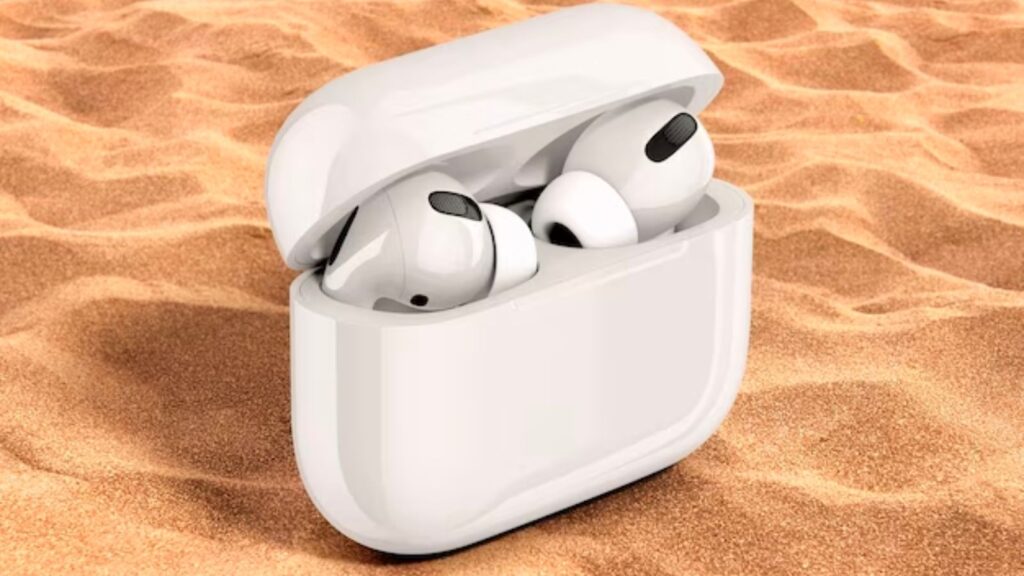
So, let’s explore the basis of this issue.
- Noise cancellation feature
- AirPods broken
- Ear detection feature
- Connectivity problem
- An issue with black mesh
Noise Cancellation Feature:
This feature also benefits those who do not want others to hear their AirPods.
The noise cancellation feature stops the sound from going outside. But this feature can also create trouble with high-pitched noise.
Whenever you face this kind of issue, you must turn off this feature with the help of your smartphone.
Here are some steps to guide you on turning off the noise cancellation feature.
- First of all, click on the airpods button.
- After that, put airpods on your ears.
- Then go to your phone screen and swipe down. You will see the volume icon through which you can decrease and increase sound.
- Click on this volume icon for a few seconds. Further options will show on your phone screen, like noise cancellation and transparency mode.
- Ultimately, you must select the noise cancellation feature and click the option to turn it off.
So, when you follow these five steps, you can eliminate the high-pitched noise of your airpods.
These steps that have been mentioned above can vary according to your smartphone and AirPods.
Broken Airpods:
Broken airpods are one of the main reasons for high-pitched and squealing sounds.
When there is no proper seal on your earbuds, they will provide bad sound quality.
You must check out if it is damaged internally or not.
For this, you must visit the Apple store to repair your AirPods, and you can also exchange them within the warranty period.
Connectivity Problem:
Sometimes, you have a poor and weak connection to Bluetooth. Most probably, your phone is inside your room, and you are listening to something outside.
So, it would be best to carry out a solid Bluetooth connection whenever you want to avoid screeching noise.
If you struggle with this continuously, you must try resetting your airpods. There are proper instructions for you in this guide post on resetting your AirPods.
Instructions
- Firstly, go to the settings of your phone
- After that, find out Bluetooth and click on it
- Select your AirPods device name and click on Forget this device
- Once you have done this procedure, after 30 seconds, you must reconnect the AirPods to your phone through Bluetooth.
Ear Detection Feature:
This ear-detection feature is also the reason for high-pitched noise.
When this feature is turned on, it sometimes creates the complication of a squeaking noise.
We have explained some steps to help you turn off the ear detection feature.
- Go to the settings of your phone.
- Then, Search for Bluetooth
- It will show your connected AirPods device name, and select the I icon.
- In the end, you will see the ear detection feature. Tap on it to Turn Off this feature.
Black Mesh Problem:
Black mesh on your airpods has been made to save the airpod’s internal parts from outside objects, as this black mesh is dustproof.
If there is an issue with a black mesh of airpods, you will hear a squealing sound, so to avoid this noise disturbance, you clean this area with a dry microfiber cloth.
Why Are My Airpods Making Static Noise?
This can happen with your airPods when there is internal damage in your AirPods.
It can also be possible that internal wires manufactured in airpods are destroyed, so when this type of problem occurs, go for repairing your airpods.
Sometimes, there is not as big a problem as mentioned above, but there may be a case that the black mesh of your AirPods is dirty.
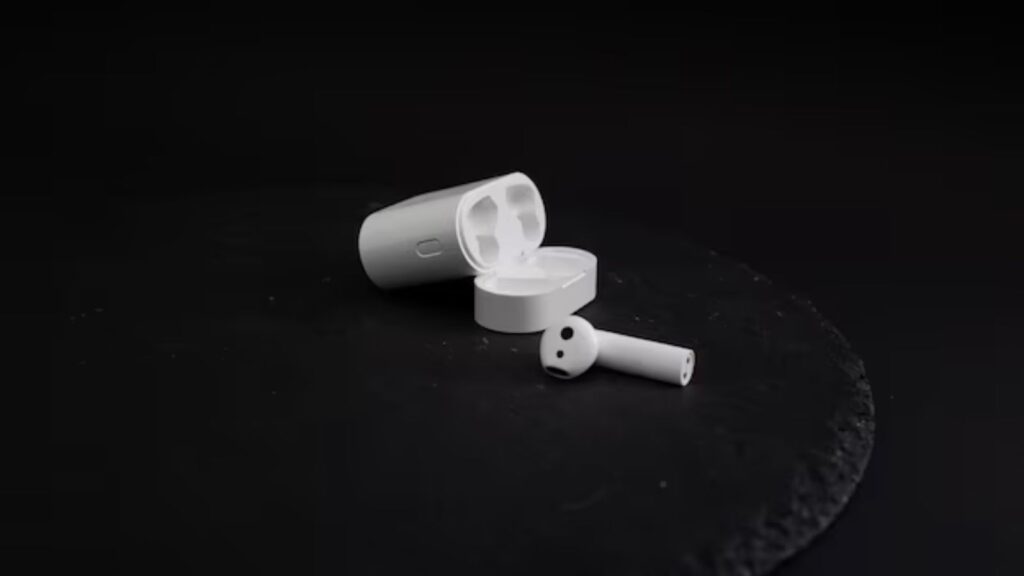
It would help if you tried to clean your airpods with dry micro-fiber clothes.
Whenever you are experiencing static noise in your airpods, firstly, you should clean out dirt and dust from your airpods.
After it is causing the same problem, you should go for repairing your AirPods.
Why My Left Airport Is Ringing?
There can be a lot of factors for this query.
Sometimes, only the right side of the airpod is ringing, and sometimes, the left side of your airpod is ringing.
Let’s dig into these aspects and try to decode this.
- Connection with multiple devices
- No proper seal of tips
- Damage airpods
Connection With Multiple Devices
If the left side of your AirPods is ringing consistently, your airpods may not pair properly with your phone.
This condition exists when more than one nearby device is available with Bluetooth.
But this happens only if you have connected your AirPods with the device.
For that, you must go to settings to disconnect other devices.
Damage Airpods
There is a chance the left side of your airport is damaged internally, that’s why it is making you irritate.
First of all, you must ensure that your left airpod is damaged or not. If it is damaged, fix it from an Apple store nearby.
No Proper Seal Of Tips
The tips of earbuds are not according to the exact size of your ear, so sound can come outside from your left side of the airpod.
When there is a space near your ears, it can cause the issue of ringing.
It would be best to use tips according to your ear size and some silicone hooks to cover the extra space.
Frequently Asked Questions:
How Long Do Airpods Last?
It depends on how does the consumer of airpods use these airpods. If these are used with great care, they will last for a more extended period. Usually, airpods can be used for 1.5 to 2 years.
Are Airpods Repairable?
An inevitable life cycle for a product like airpods is almost two years. In this period, if any issue arises, you can repair it; after two years, you can’t repair it. As time passes, the quality of airpods starts demolishing.
Final Thoughts:
The cases of high-pitched noise in airpods are rare, but they can be resolved immediately. We have explained all the factors and their solutions to make your life easy and relaxed. We have tried our best to provide you with all the essential information and knowledge about airpods and how to use them in different situations.
So you must look through this information to solve your issues related to airpods by yourself. If you will get any benefit from this guide post, you must share your feedback with us.