

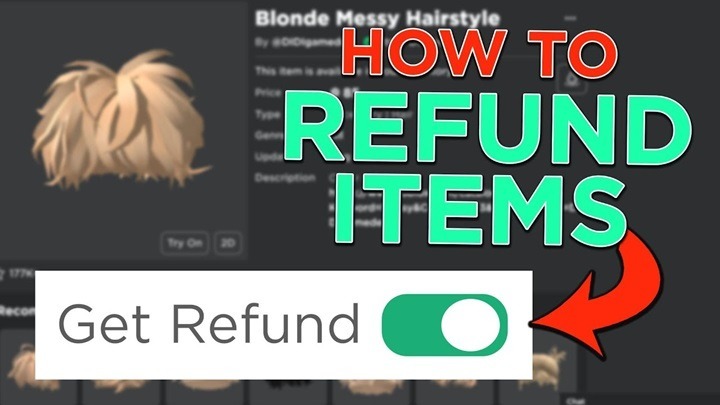
When playing Roblox, it’s easy to get excited about buying in-game items, accessories, or currency. However, what happens if you accidentally purchase something you didn’t mean to, or if there’s an issue with your transaction? Understanding the Roblox refund process is crucial, as it can save you from unnecessary financial losses. In this article, we’ll walk you through the steps, requirements, and tips for getting a refund on Roblox.
What Is Roblox Refund?
A Roblox refund refers to the process by which users can request a return of their Robux (the in-game currency) or other purchases made on the platform. Roblox offers a refund mechanism for situations where a purchase was made in error, or if there is a problem with the transaction. This includes accidental purchases, unauthorized transactions, or issues with the purchased items not working as expected.
Why Would You Need a Refund on Roblox?
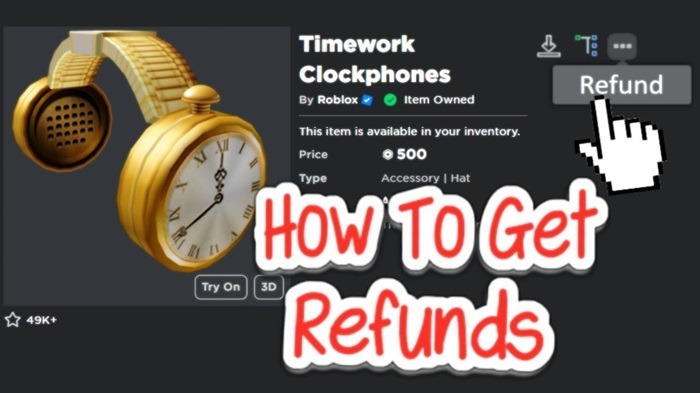
There are several reasons you may find yourself seeking a refund from Roblox. Here are some common scenarios:
1. Accidental Purchases
Often, players accidentally purchase items or currency when browsing through Roblox’s extensive catalog. This can happen while navigating the platform, especially if there is a misclick or if a user unintentionally purchases Robux or in-game items.
2. Unauthorized Purchases
If a third party (such as a child) uses your account without your permission to make a purchase, you might find yourself in need of a refund.
3. Faulty or Missing Items
Sometimes, players purchase items that do not work as expected. These can include in-game accessories, skins, or even game passes that fail to deliver the promised features.
4. Technical Errors
Roblox, like any other online platform, can sometimes experience glitches or errors that might prevent a purchase from completing properly. In such cases, Roblox may issue a refund to correct the issue.
How to Request a Roblox Refund
If you need to request a refund, Roblox has a formal process that you can follow. Here’s how to go about it:
Log Into Your Roblox Account
To begin the refund process, you first need to log into your Roblox account. Make sure you’re signed in to the account that made the purchase in question.
Go to the Roblox Support Page
Once logged in, head over to the Roblox Support page to initiate your refund request. This page contains several options for different issues, including refund requests.
Fill Out the Refund Request Form
On the support page, you will need to provide detailed information about your request. Be sure to include:
- Your username and the username of the account making the purchase.
- Details of the purchase, including the date and amount spent.
- The reason for the refund request, such as accidental purchase, unauthorized transaction, or faulty item.
Submit the Request
After filling out the form, submit your request. Roblox support will review the details and get back to you. The response time can vary, but typically, it may take a few days for your request to be processed.
Follow Up If Necessary
If you don’t receive a response within a reasonable time frame or if your refund is not processed, you can follow up with Roblox support. It’s essential to stay patient during this process as refunds can take time to verify and process.
Refund Eligibility Criteria
Not all requests for a Roblox refund will be approved. Roblox has specific eligibility criteria that users must meet in order for their refund to be considered. Here are some factors that can affect your eligibility:
1. Time Frame
Refund requests must be submitted within a reasonable period after the purchase. Roblox typically allows refunds for transactions made within 30 days, though this can vary based on the type of purchase.
2. Accidental Purchases
If the purchase was accidental and the refund request is submitted promptly, the chances of getting a refund are higher. Roblox understands that mistakes can happen and is usually willing to help.
3. Purchases for Virtual Items
Roblox has a strict policy when it comes to virtual items. If you purchase in-game items, they are typically non-refundable, unless there is a technical issue with the item.
4. In-Game Purchases
In some cases, Roblox may issue refunds for purchases made directly within games, such as game passes or in-game currency. However, this is typically evaluated on a case-by-case basis.
5. Roblox Premium Membership
Refunds for Roblox Premium memberships are generally not granted unless there are exceptional circumstances. For instance, if there was a technical issue with your subscription, you might be eligible for a refund.
How Long Does It Take for a Roblox Refund?
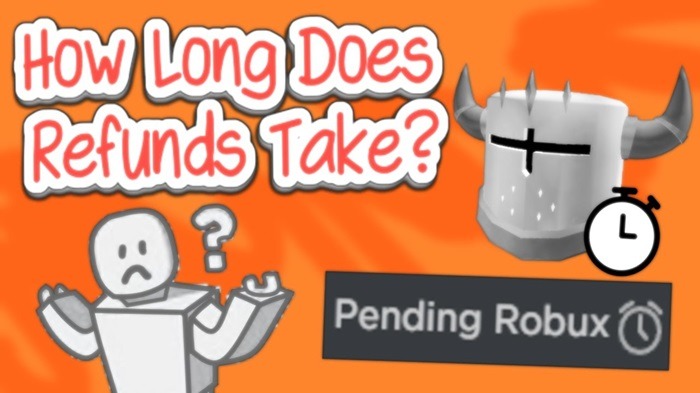
The time it takes for Roblox to process a refund can vary. Generally, users can expect a response within 5-10 business days. However, in some cases, it may take longer, especially if the request is more complex or requires additional investigation.
Refunds are typically issued in the same form of payment used to make the original purchase. For example, if you bought Robux using a credit card, the refund will be credited back to that card. If the transaction was made via PayPal, the funds will be returned to your PayPal account.
Preventing Accidental Purchases on Roblox
If you’ve experienced issues with accidental purchases on Roblox, there are several steps you can take to prevent them from happening in the future:
1. Set Up Purchase PIN
You can set up a purchase PIN on your Roblox account to prevent unauthorized transactions. This PIN will prompt you for a code every time you make a purchase.
2. Monitor Account Activity
Regularly check your Roblox account’s purchase history to ensure that no unauthorized transactions have taken place.
3. Limit Access to Your Account
If you share your account with others, ensure that only trusted individuals have access to it. Additionally, consider using two-factor authentication (2FA) for added security.
FAQs About Roblox Refunds
1. How do I request a refund on Roblox?
Visit the Roblox Support page, fill out the refund request form, and submit it for review.
2. What is the time limit for requesting a Roblox refund?
Refund requests are typically accepted within 30 days of the purchase.
3. Can I get a refund for a Roblox Premium membership?
Refunds for Roblox Premium memberships are rare but may be granted under exceptional circumstances.
4. How long does it take for Roblox to process a refund?
Refunds typically take 5-10 business days to process, though it can vary.
5. What should I do if my refund is not processed?
If your refund request is not processed, you can follow up with Roblox Support for assistance.
Understanding how the Roblox refund process works can help you navigate situations where you need to correct an accidental purchase or deal with a technical issue. By following the steps outlined above, you can improve your chances of receiving a refund on Roblox. Always keep an eye on your purchase history and make use of security features to avoid accidental purchases in the future.