

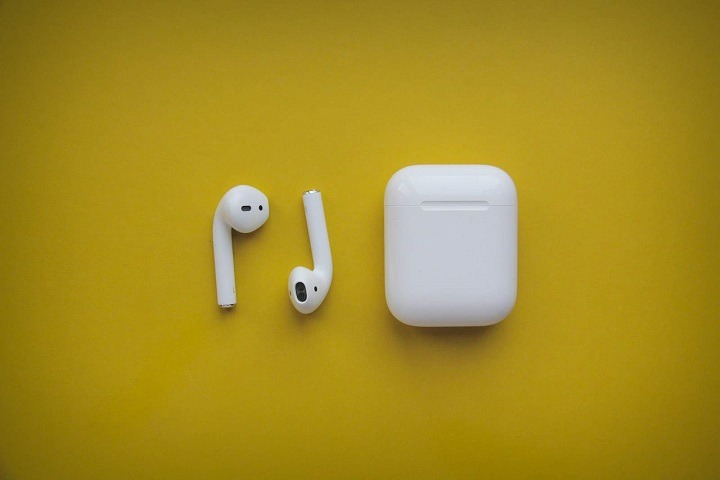
AirPods have become immensely popular for their convenience, portability, and seamless integration with Apple devices. However, like any technology, AirPods may encounter issues that impact the user experience. One such issue is the phenomenon of “AirPod ringing,” where users report hearing a ringing or buzzing sound in their AirPods. In this comprehensive guide, we’ll explore the common causes of AirPod ringing, provide troubleshooting steps to address the issue, and offer tips to prevent it from occurring in the future.
What is AirPod Ringing?
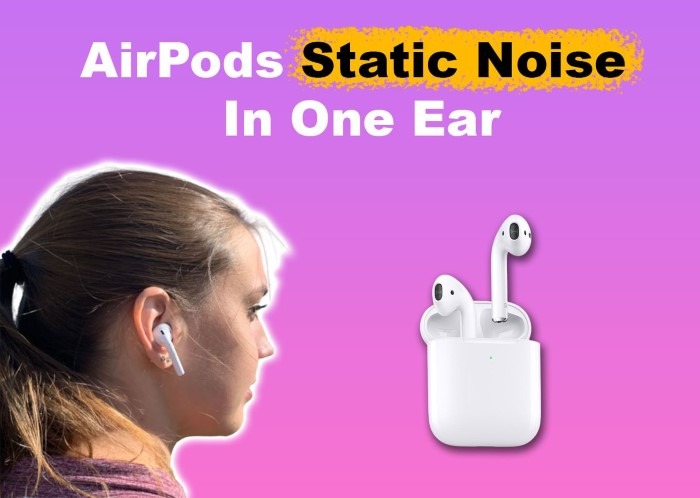
AirPod ringing refers to the occurrence of a high-pitched ringing or buzzing sound that users hear in their AirPods while using them for audio playback or phone calls. This sound can be intermittent or persistent and may vary in intensity. While the exact cause of AirPod ringing can vary, it is often attributed to hardware or software-related factors.
Common Causes of AirPod Ringing
Several factors can contribute to the occurrence of ringing or buzzing sounds in AirPods. Here are some common causes:
- Interference or Electrical Noise: External interference from nearby electronic devices, wireless signals, or electrical sources can induce ringing or buzzing sounds in AirPods. This interference may disrupt the wireless connection between the AirPods and the connected device, leading to audio artifacts.
- Audio Playback Issues: Audio playback issues, such as corrupted audio files, bitrate inconsistencies, or audio compression artifacts, can manifest as ringing or buzzing sounds in AirPods. These issues may occur when streaming audio content or playing local files.
- Hardware Malfunction: Hardware malfunctions or defects within the AirPods themselves, such as damaged drivers, faulty connections, or internal component issues, can cause abnormal audio output, including ringing or buzzing sounds.
- Software Bugs or Glitches: Software bugs or glitches within the iOS or macOS operating system, as well as firmware issues with the AirPods themselves, can lead to audio-related problems, including ringing or buzzing sounds during playback.
- Ear Health Factors: In some cases, individuals may experience subjective tinnitus—a condition characterized by the perception of ringing or buzzing sounds in the ears. While AirPod ringing may exacerbate existing tinnitus symptoms, it is essential to differentiate between external audio artifacts and internal auditory sensations.
Troubleshooting Steps to Address AirPod Ringing
To address the issue of AirPod ringing, follow these troubleshooting steps:
Check for Interference:
Minimize potential sources of interference by moving away from electronic devices, wireless routers, and other sources of electromagnetic interference. Additionally, avoid using AirPods in areas with strong electrical signals or radiofrequency (RF) interference.
Restart Connected Devices:
Restart the device (iPhone, iPad, Mac, etc.) that is connected to your AirPods. This can help reset the Bluetooth connection and resolve any software-related issues that may be causing the ringing or buzzing sounds.
Update Software:
Ensure that your device’s operating system (iOS, macOS) and AirPods firmware are up to date. Check for software updates in the device settings or System Preferences and install any available updates. Software updates often include bug fixes and performance improvements that can address audio-related issues.
Reset AirPods:
If the issue persists, try resetting your AirPods to their factory settings. To reset AirPods, place them in their charging case, open the lid, and press and hold the setup button on the back of the case until the status light flashes amber. After resetting, re-pair your AirPods with your device and check if the ringing or buzzing sounds have stopped.
Adjust Audio Settings:
Adjust the audio settings on your device to optimize audio playback quality. Try adjusting the volume levels, equalizer settings, and audio balance to see if it alleviates the ringing or buzzing sounds in your AirPods.
Test with Different Audio Sources:
Test your AirPods with different audio sources, such as music, podcasts, or phone calls, to determine if the issue is specific to certain types of audio content. If the ringing or buzzing sounds occur consistently across different audio sources, it may indicate a hardware or connectivity issue.
Contact Apple Support:
If you’ve tried the troubleshooting steps above and the issue persists, contact Apple Support for further assistance. Apple’s support team can provide personalized troubleshooting advice and may offer repair or replacement options if the AirPods are still under warranty.
Prevention Tips to Avoid AirPod Ringing
To prevent AirPod ringing from occurring in the future, consider the following tips:
- Keep AirPods Clean: Regularly clean your AirPods and charging case to prevent debris or dirt from accumulating on the speaker grilles or connectors. Use a soft, lint-free cloth to wipe away dust and grime, and avoid using harsh chemicals or abrasive cleaners.
- Avoid Extreme Temperatures: Exposure to extreme temperatures (hot or cold) can affect the performance and longevity of AirPods. Store your AirPods in a cool, dry place and avoid exposing them to direct sunlight, excessive heat, or moisture.
- Update Software Promptly: Stay up to date with software updates for your devices and AirPods to ensure optimal performance and compatibility. Set your devices to automatically download and install updates whenever they become available.
- Use Proper Charging Practices: Charge your AirPods using the supplied charging cable and avoid using third-party chargers or accessories that may damage the battery or internal components. Follow recommended charging guidelines to prolong the lifespan of your AirPods battery.
- Take Breaks and Practice Safe Listening: To prevent auditory fatigue and potential hearing damage, take regular breaks from using your AirPods and practice safe listening habits. Limit the duration and volume of your listening sessions, and consider using noise-canceling or noise-isolating headphones in noisy environments.
Read More:
Exploring the Integration: Xfinity and Apple Watch
Troubleshooting Guide: Why Won’t My Apple Watch Charge?
Elevate Your Style: Exploring the Richard Mille Apple Watch Case
AirPod ringing can be a frustrating issue that detracts from the audio experience and usability of Apple’s popular wireless earbuds. By understanding the common causes of AirPod ringing and following the troubleshooting steps outlined in this guide, you can identify and address the underlying issues that may be contributing to the problem. Whether it’s minimizing interference, updating software, or adjusting audio settings, these practical solutions can help you resolve AirPod ringing and enjoy uninterrupted audio playback with your AirPods. Additionally, practicing prevention tips and safe listening habits can help maintain the performance and longevity of your AirPods for years to come. If the issue persists despite troubleshooting, don’t hesitate to contact Apple Support for further assistance and guidance.